The Visibility Gap: Why Carrier Portals and Spreadsheets Break Down
If you manage freight across several carriers, you probably have a routine. You log in to one portal, check another, scan emails for updates and copy status into a shared spreadsheet. It works when volume is low. It falls apart as carriers, lanes and modes multiply, and that is exactly the problem freight tracking software is built to solve.
The core issue is fragmentation. Each carrier reports status in its own format, on its own schedule and through a different system. Your spreadsheet is only as current as the last person who updated it, and nobody updates it at 2 a.m. when a truck breaks down on the Hume Highway. A dedicated tracking platform closes this gap by pulling status into one place automatically. Your team stops chasing information and starts acting on it.
The Hidden Cost of Late Surprises at the Dock
Delays rarely hurt simply because a load is late. They hurt because you find out too late to adjust. A receiving crew stands idle for a trailer that will not arrive until tomorrow. A door stays reserved while an unscheduled early load sits in the yard. Overtime gets approved to catch up on work that could have been planned on Monday.
Each surprise ripples through dock scheduling, labour and putaway, and the cost rarely shows up on a single report. It hides in idle hours, detention charges and stock that reaches the pick face a day later than the sales team expected.
Where Is My Order? The Customer Service Drain
When shipment status lives in scattered portals, every customer enquiry becomes a research project. Customer service calls logistics, logistics checks a carrier site, and the answer comes back hours later, often after the customer has rung twice. Consolidated visibility lets your team answer "where is my order" questions quickly and with confidence. Coordinators stay focused on higher-value work, such as carrier negotiations or planning tomorrow's inbound schedule.
What Freight Tracking Software Does: Core Capabilities Explained
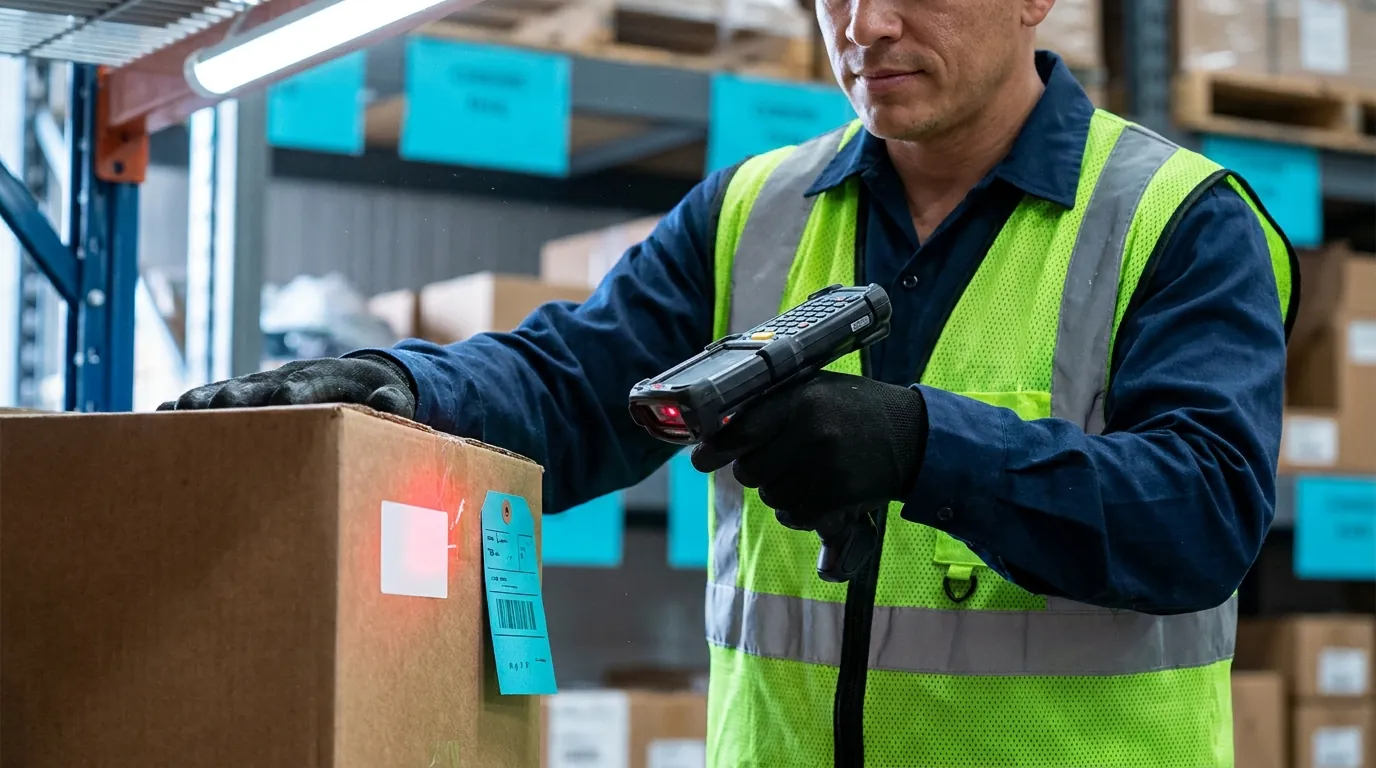
At its simplest, a tracking platform collects shipment data from carriers and devices, normalises it and presents it in a form your team can act on. The better tools go beyond displaying status. They tell you which loads need attention and why.
When you compare options, look for these foundational capabilities:
- Multi-carrier data in one consolidated view
- Live or near-live status updates
- ETAs that recalculate as conditions change
- Configurable exception alerts
- Digital POD capture and searchable history
Multi-Carrier Data Consolidation
Consolidation is the foundation. The system should pull data from your parcel, LTL, truckload and ocean providers and translate their different status codes into a consistent set of milestones. One carrier might report "departed depot" while another sends a numeric code meaning the same thing; your coordinators should only ever see one label. Without this translation, you are simply moving the spreadsheet problem onto a new screen.
Real-Time Status, ETA Predictions, and Exception Alerts
Status tells you where a shipment is. A predicted ETA tells you when it will realistically arrive, which is what your dock schedule depends on. Good predictions update as the load moves, factoring in traffic, terminal dwell and driver hours rather than relying on the date quoted at booking.
Alerts then flag the shipments that need a human decision: missed pickups, extended dwell, or ETAs that slip past an appointment window. Your team manages by exception instead of watching every load.
Proof of Delivery and Shipment History
Digital proof of delivery shortens dispute resolution and billing cycles, because signed records and photos are attached to the shipment rather than buried in a driver's paperwork. Historical data also lets you measure each carrier's on-time performance by lane, which gives you objective input for quarterly carrier reviews and routing decisions. If you are weighing how tracking fits into a broader system, our guide to freight and logistics software covers the wider landscape.
Cargo Tracking in Practice: Following Shipments From Origin to Your Dock
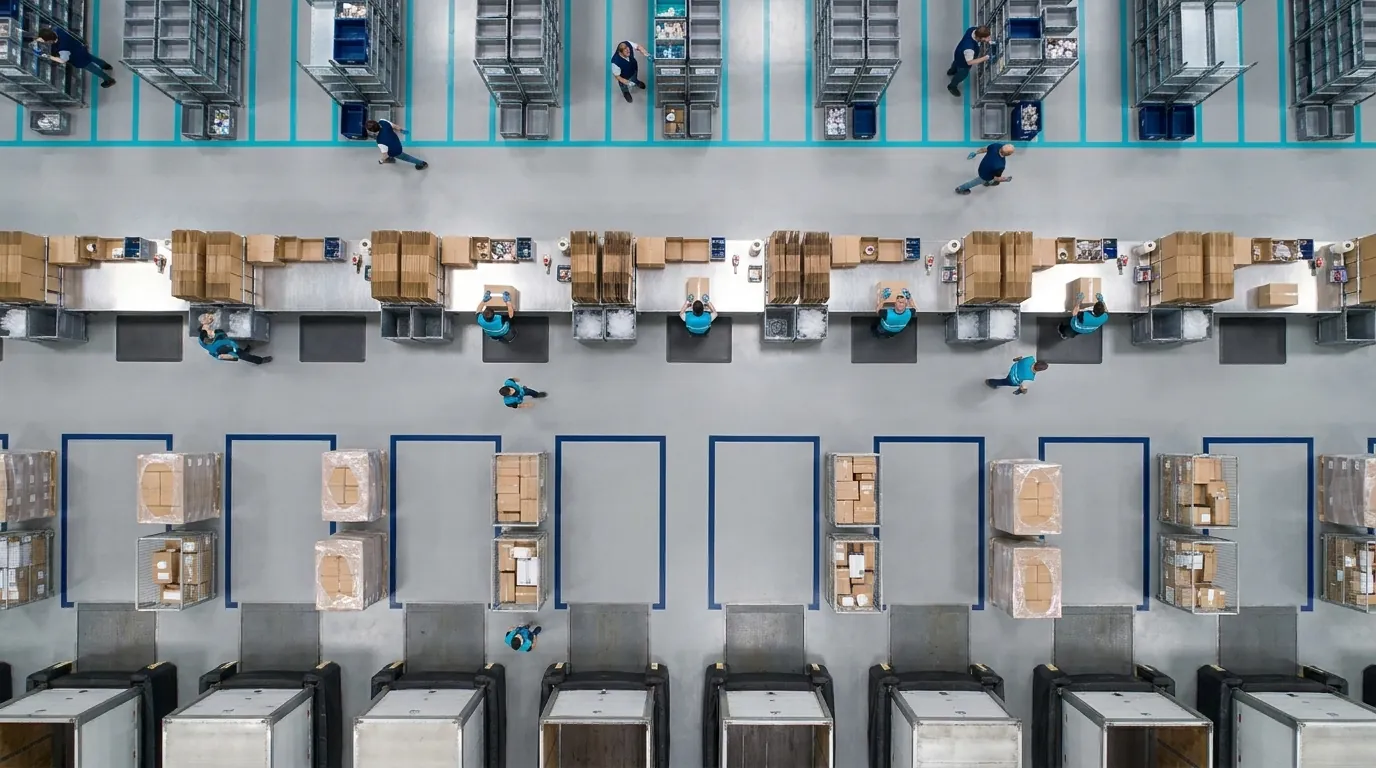
Following individual shipments through their journey, from pickup through linehaul to final delivery, sounds simple. In practice, the level of detail you get depends heavily on the mode and on how each carrier shares data.
Understanding these differences helps you set realistic expectations. It also stops you buying a tool that promises more precision than your carrier mix can actually deliver.
How Cargo Tracking Differs by Mode
- Parcel: frequent scan events at hubs and depots, generally reliable and easy to consolidate.
- LTL (general freight): milestones at terminals; visibility can thin out between terminal scans.
- FTL: often the richest data, particularly when trucks share GPS or ELD location pings.
- Ocean: long transit times with milestones at ports, vessel departures and container availability, which matter for planning container cartage and receiving. Our piece on container management and demurrage covers this leg in more depth.
Data Sources: EDI, API, and GPS/ELD
Most status data arrives through electronic data interchange messages (in the ASC X12 standard, this is the 214 transaction set), carrier APIs, or telematics from GPS units and electronic logging devices. EDI is widely supported but can lag, since messages are often batched. APIs are typically faster and more flexible. GPS and ELD feeds provide location pings for truckload moves.
A capable solution blends all three rather than relying on one. For a closer look at how these messages connect carriers, brokers and customs, see our article on EDI integration for freight forwarding.
What Milestone Visibility Looks Like Day to Day
Your coordinators should see clear milestones: picked up, in transit, at terminal, out for delivery, arrived and delivered. When a milestone is missed or delayed, the shipment should rise to the top of their queue automatically.
Picture a coordinator starting the morning shift. One screen shows that two inbound loads are on track, one is stuck at a Melbourne terminal and one has had no update since yesterday afternoon. That last one gets a phone call. The rest need no attention.
Using a Freight Map to See Your Entire Network at a Glance
A list of shipments tells you status. A map tells you the story. By plotting in-transit loads, lanes and delays geographically, a live network view reveals patterns that a table hides, such as several inbound loads converging on the same morning or a weather system affecting an entire corridor.
The view is most useful when it is filtered to what matters to you: inbound loads for a specific facility, shipments tied to priority customers, or freight booked into tomorrow's receiving window. An unfiltered map of every shipment in the country looks impressive in a demo and tells a dock supervisor very little.
Spotting Bottlenecks Before They Reach the Dock
Imagine a regional storm slowing traffic along the Pacific Highway between Brisbane and Sydney. On screen, you see five inbound trailers bunched behind it, all likely to arrive late and close together. That insight lets you warn your receiving lead hours ahead, instead of discovering the pileup when trucks show up at once.
The lead can then decide whether to keep an extra crew member on, clear staging space or set the unloading order by priority. None of those choices exist once the trucks are already lined up at the gate.
Rescheduling and Rerouting Proactively
With network-level visibility, you can reschedule appointments, shift doors, or work with carriers on alternate routing before delays become missed delivery windows. If a priority load is caught in the same corridor, a carrier may be able to move it to a later linehaul on a different route. Alternatively, you might push the appointment to the following morning and tell the customer before they ask.
The goal is not just watching freight move. It is making better decisions while there is still time to act.
Connecting Freight Visibility to Warehouse Operations
This is where most tracking projects fall short. Visibility that stays in a transportation screen still requires someone to manually translate it into warehouse actions: rebooking a door, phoning the shift lead, telling sales a container has slipped. When tracking data flows directly into your warehouse management workflows, in-transit stock becomes inventory you can plan around.
Think of it as a closed loop. Shipment status updates ETAs, ETAs drive receiving and labour plans, receiving updates inventory, and inventory feeds what you can promise customers. Break any link and people fill the gap with emails.
Receiving Appointments and Dock Door Planning
Updated ETAs should automatically flag at-risk appointments and help supervisors reassign doors. If an inbound load slips by four hours, the door it was holding can go to an early arrival or an outbound load instead of sitting empty. Over a full day, a handful of these reallocations can be the difference between a calm afternoon and a yard full of waiting trucks.
Labour Allocation and Cross-Docking
Knowing what is really arriving, and when, lets you staff receiving shifts to match actual volume rather than the booked schedule. For cross-docking, accurate inbound timing is essential. Outbound trailers and staging lanes can be prepared in advance so freight moves straight through without lingering in storage. If an inbound feeder is running two hours behind, the outbound departure can be adjusted before a driver is left waiting.
Accurate Available-to-Promise Inventory
When in-transit inventory and confirmed ETAs are visible alongside on-hand stock, sales and customer service can commit to realistic ship dates. That reduces overpromising, backorder surprises and the follow-up enquiries that come with them. It also gives purchasing a clearer picture of when replenishment will actually be available to pick, not just when it was ordered.
How to Evaluate Tracking Tools: Key Questions Before You Buy
When you compare platforms, focus less on how impressive the map looks and more on how well the tool fits your carriers, your systems and your warehouse workflows. Use the questions below during demos and reference calls, and to frame the business case for leadership. If your current setup is already struggling, these signs your freight software can't keep up offer useful context.
Integration and Carrier Coverage
- Does it integrate with your WMS and ERP so ETAs update receiving schedules and inventory automatically?
- Which carriers and modes are supported today, and how are new carriers onboarded?
- Does it support EDI, API, and GPS/ELD data sources?
- How are inconsistent carrier status codes normalised into common milestones?
- What happens when a carrier only offers email or portal updates?
Alerts, Reporting, Scalability, and Usability
- Can you customise alerts by facility, customer, lane or appointment window?
- Does reporting cover carrier on-time performance, dwell time and delivery history?
- Will it scale as you add facilities, carriers and shipment volume?
- Can dock supervisors and coordinators use it without extensive training?
- Can customer service find a shipment's status in a few clicks?
The right answers will differ for a single-site distributor and a multi-site 3PL, but the principle holds: tracking earns its keep when it changes what happens on the receiving floor. A warehouse management system can act on updated arrival times only if the platform you evaluate passes them across reliably, so test that handover closely during demos. Contact Us to discuss how these questions apply to your own operation.
Frequently Asked Questions
What is the difference between a freight tracking platform and a carrier portal?
A carrier portal only shows that one carrier's shipments, in its own format. A tracking platform pulls status from every carrier you use, converts their different codes into one set of milestones and flags loads that need attention. Coordinators check one screen instead of logging in to five websites and copying updates by hand.
How accurate are ETA predictions for inbound freight?
Accuracy depends mostly on the data each carrier provides. Truckload moves with GPS or ELD pings usually give the most precise estimates, because location updates arrive every few minutes. General freight is less precise between terminal scans, and ocean ETAs can shift by days around port congestion, so build a buffer into receiving plans for those modes.
Can freight tracking connect to my warehouse management system?
Yes, provided the platform offers an integration or API that links to your WMS. When it does, updated arrival times can adjust receiving appointments, flag at-risk dock bookings and show in-transit stock alongside on-hand inventory. Without that link, someone has to rekey changes manually, which reintroduces the delays tracking was meant to remove.
What is an EDI 214 message?
An EDI 214 is the X12 transaction set carriers use to send shipment status updates such as pickup and delivery events. Larger carriers widely support it, which makes it a common baseline for tracking. Because 214 messages are often sent in batches, they can lag behind real events, so many operations pair them with API or GPS feeds.
Do I need freight tracking if I only use a few carriers?
Even with two or three carriers, scattered portals mean someone spends time each day checking status and answering customer enquiries. For a small operation the bigger benefit is usually at the dock: learning a load is running late early enough to reassign the door and the crew. The case grows stronger as carrier count and inbound volume increase.